
Monthly subscription
Access in monthly billing periods.
Subscriptions are not open yet.
Contact us for packages and launch details.AUTOCAD TOOLS FOR LANDSCAPE PROJECTS
2Scale is an AutoCAD extension we developed for landscape architects and design studios.
Use planting, irrigation, quantity and schedule tools within the same workspace. Spend less time on repeated tasks and more time developing your project.
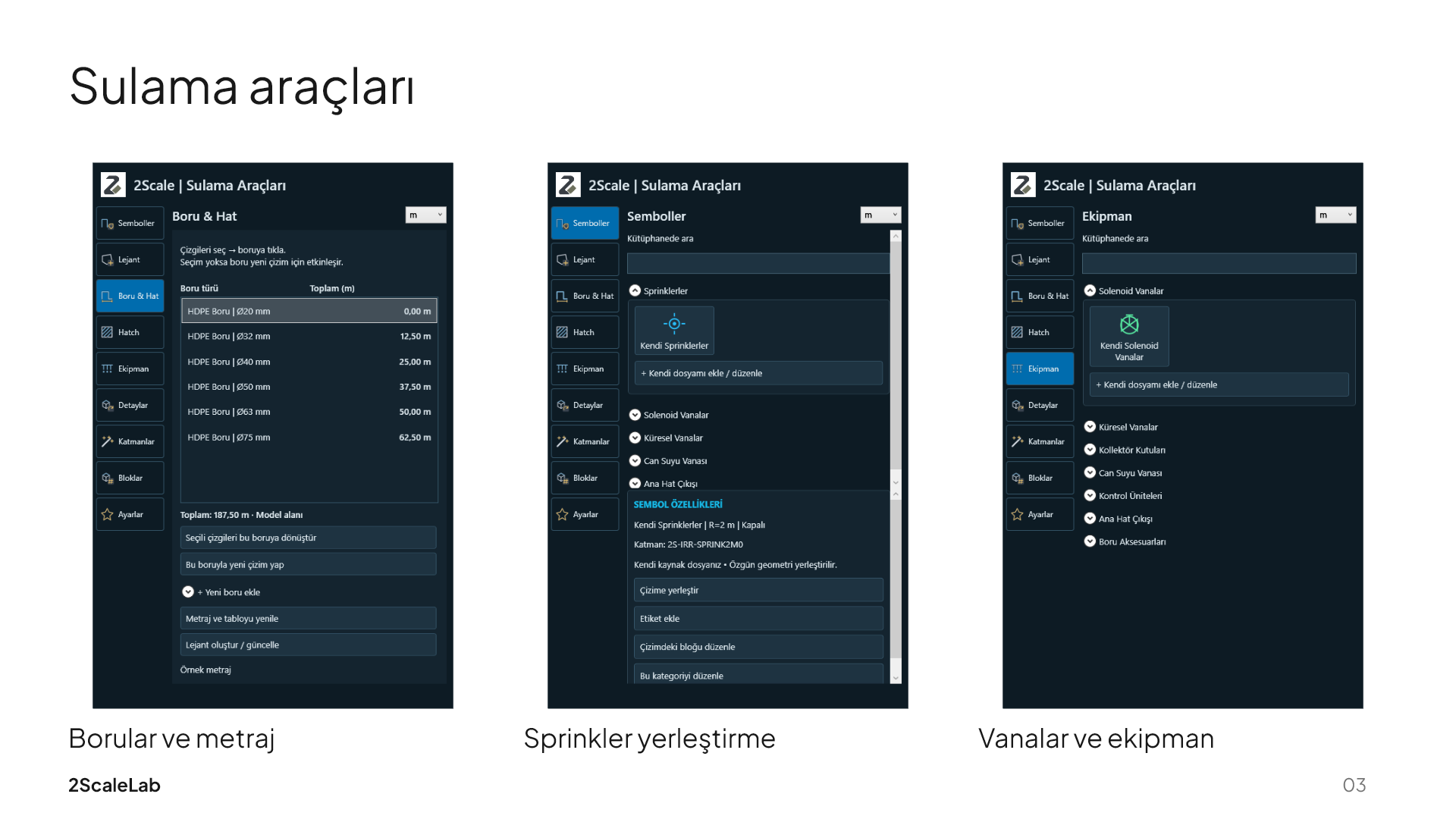
Irrigation workspace: pipes, sprinklers and equipment.
Your design. Our tools for the repetitive work.
Bring your studio’s knowledge into new projects with your own blocks, hatch patterns and line types. Refresh symbol schedules and legends as the design changes.
Design decisions and final checks stay with you. We will review tool and AutoCAD compatibility using your project.
Open a heading to explore the workflow. Screens show example application data.
No matching tools.
Manage species, plant codes and project dimensions. Place plants along paths or within closed areas.
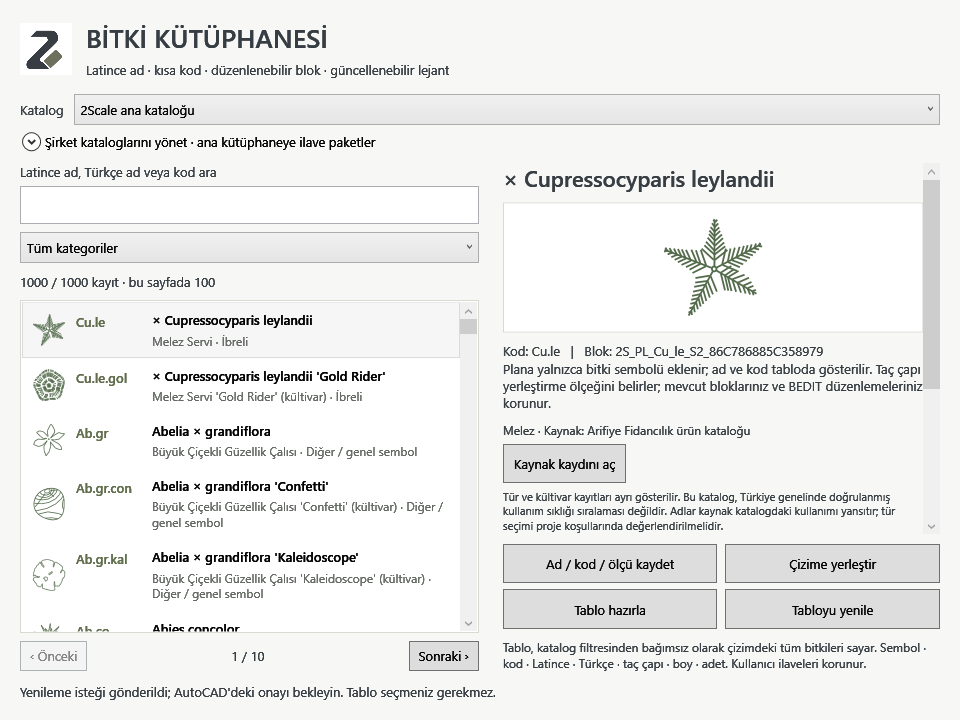
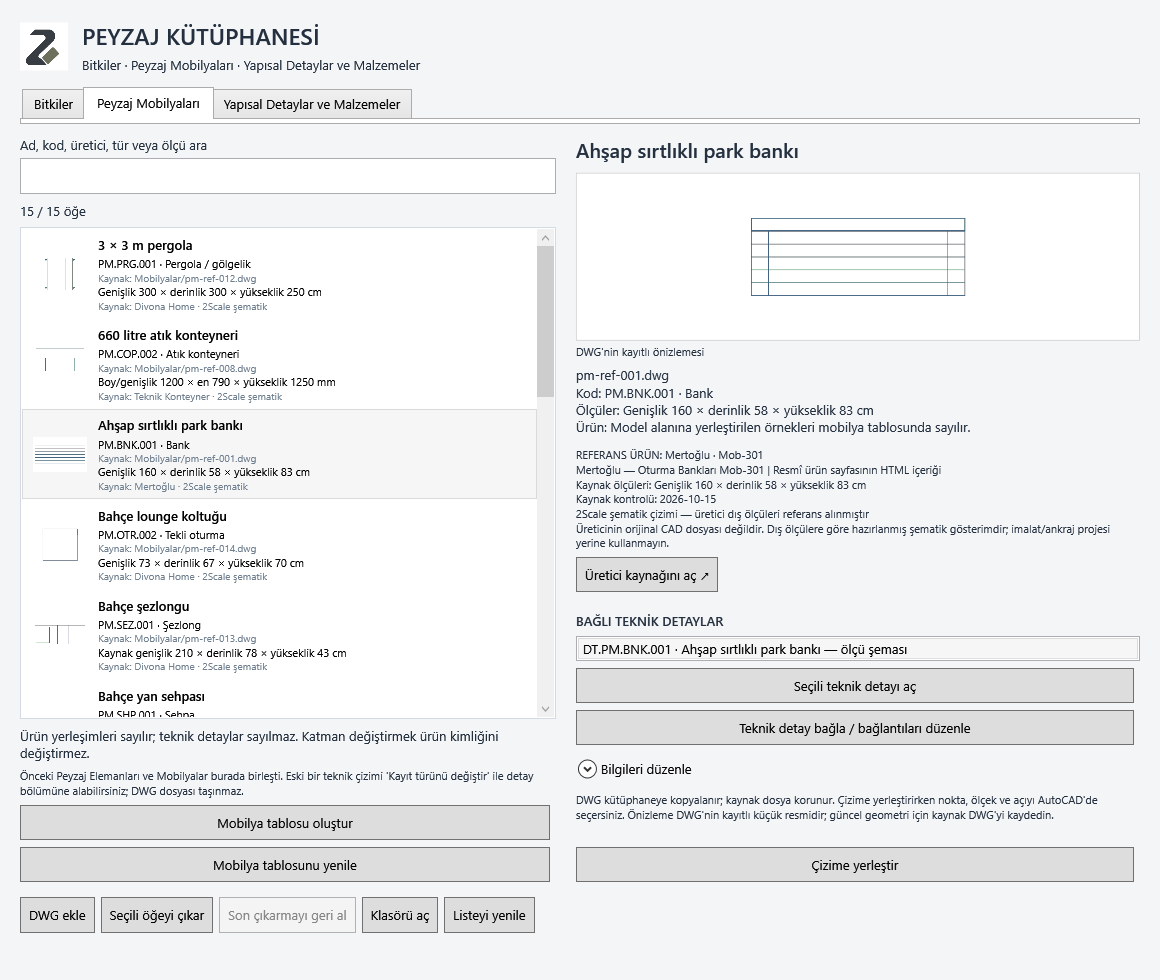
Keep your plants, furniture blocks and technical DWG details in one library.
Work with pipes, sprinklers and valves. Update lengths, quantities and drip areas in your legend.
Measure areas, lengths and counts with dedicated tools. Bring the results into drawing tables.
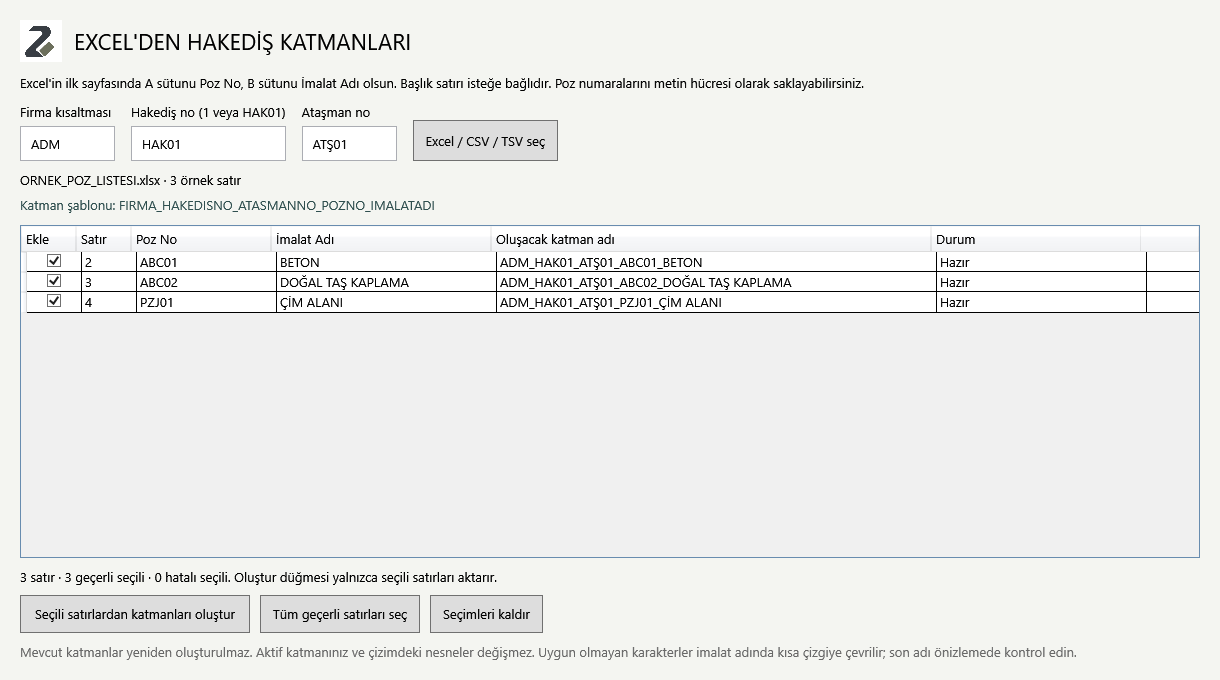
Create company, payment, attachment and work-item layers from your Excel item list.
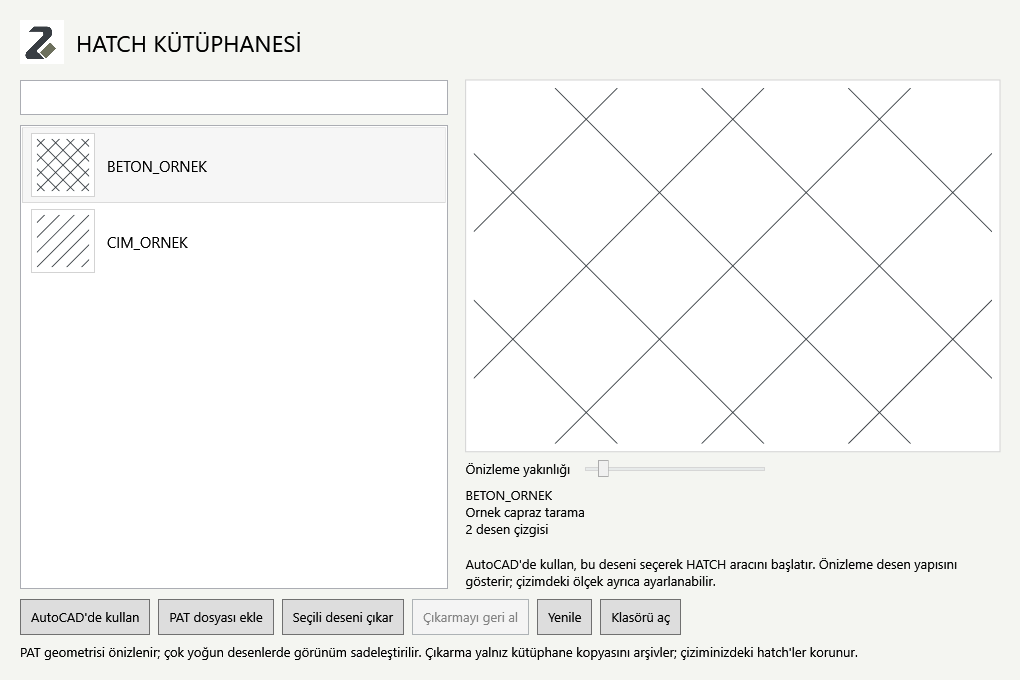
Create your own patterns. Preview, save and reuse PAT files across your projects.
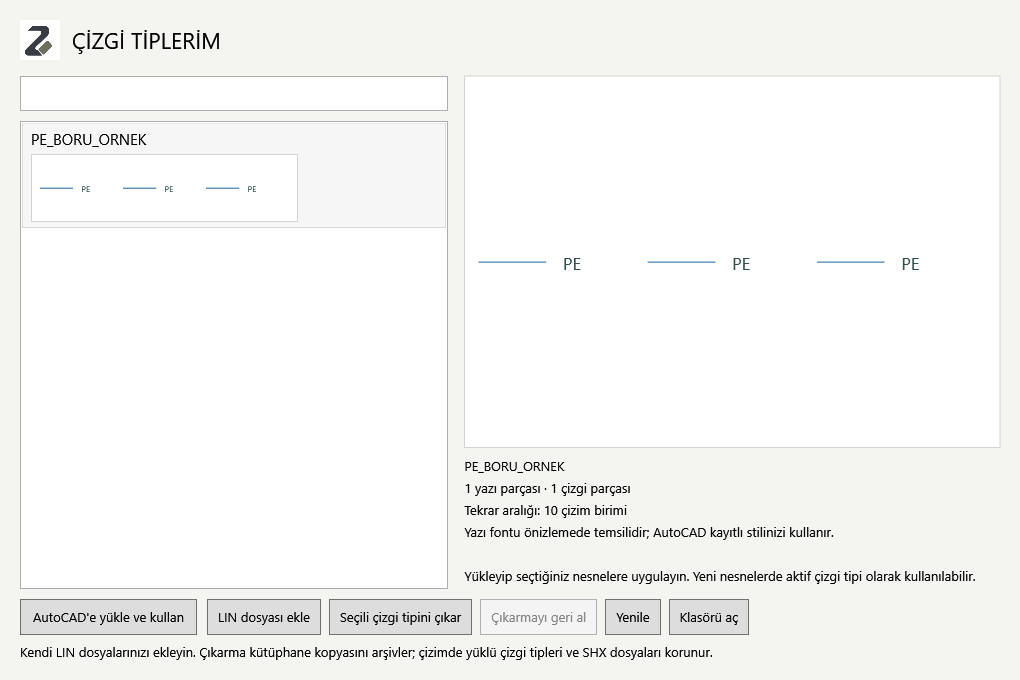
Add motifs containing lines, curves and text to your personal line-type library.
Prepare boundaries, identify gaps and join supported geometry.
Find groups of objects by block name, properties or size.
Count or replace symbols and manage blocks with batch operations.
Add area, length, coordinate and level information to your drawings.
Import existing map data for buildings, roads and green spaces as a drawing base.
Connect your own account. Preview and approve supported 2D drawing output.
Review problematic selections and approve supported cleanup operations.
Organize repeated tasks with project summaries and data transfers.
Search commands and save your own names and shortcuts.
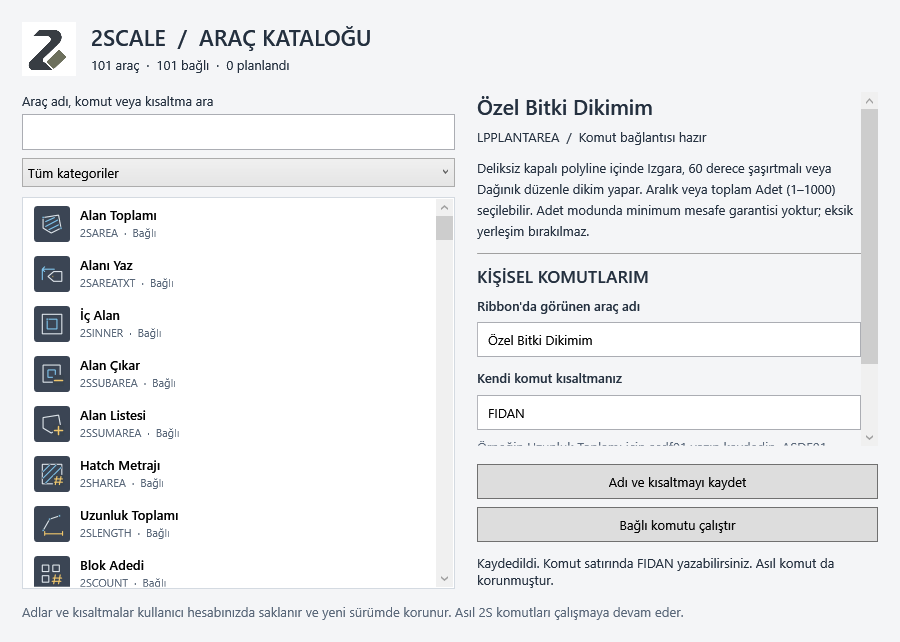
Feature availability depends on the supported object type, drawing units and software version.
Let’s review your plant catalogue, symbols and recurring needs together. We can prepare company libraries as additional packages.
Contact us by emailCurrent prices and terms appear on Shopify’s checkout page. Downloading the installer does not create a software licence.
Access in monthly billing periods.
Subscriptions are not open yet.
Contact us for packages and launch details.Access with an annual billing period.
Subscriptions are not open yet.
Contact us for packages and launch details.2Scale installer for Windows. Use requires a separate, valid device licence.
The public installer has not been published yet.
Let’s check your AutoCAD version and installation requirements together.
Accounts, payments and subscription management use Shopify’s secure customer area.
Customer accounts are not connected yet.Tell us how you work. We will introduce 2Scale using your project needs.
Adem Çalışkan
Landscape Architect